Auto-Positions: The Smartest Lineup Builder in Football Coaching
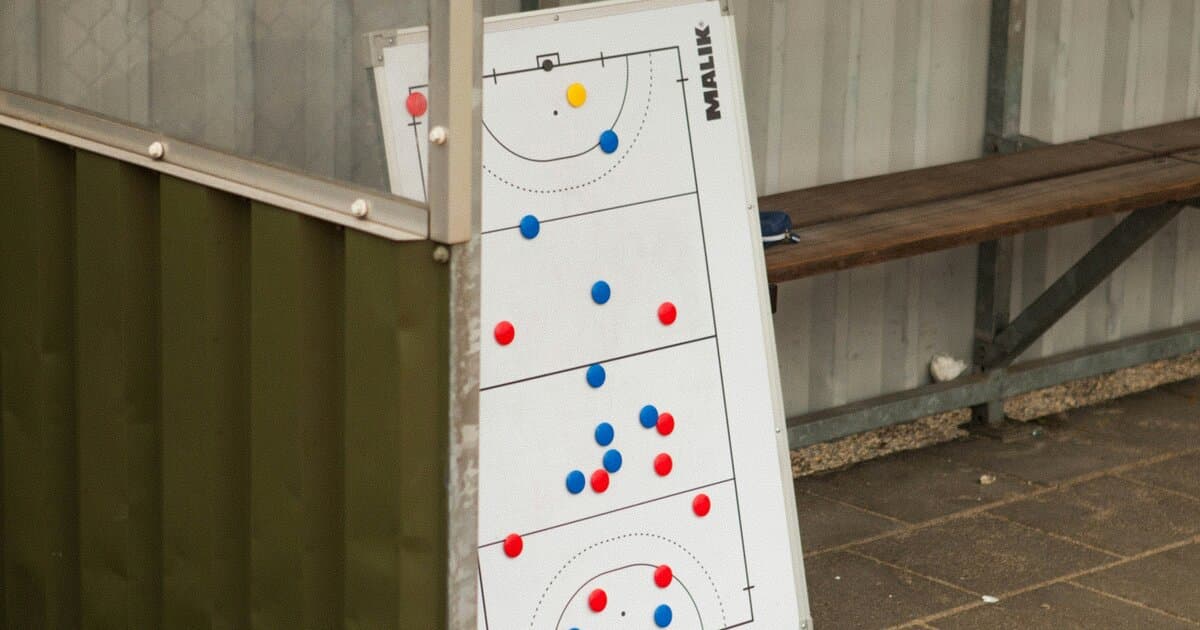
Picture this: It's 30 minutes before training. You need to set up your tactical board with today's lineup. You open your app and start the familiar dance — drag Marcus to right-back, no wait, he's CB now. Where did Emma go? Is she even on the roster today?
What if your lineup could build itself?
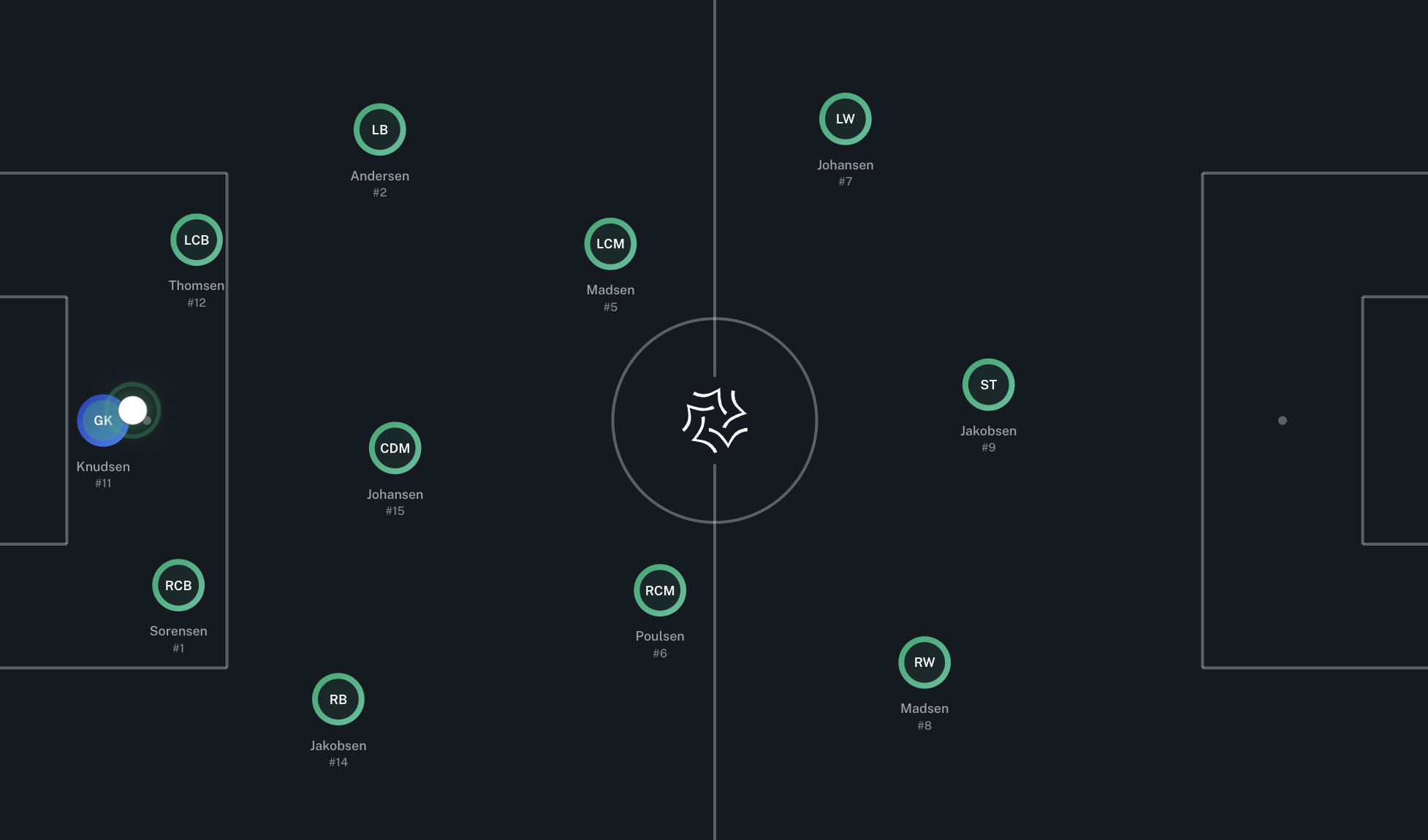
We're thrilled to introduce Auto-Positions — a feature that reads your squad, understands your formation, and intelligently places every player exactly where they belong. One click. Perfect lineup. Every time.
The Problem We Solved
Every coach knows the scenario. You've got 18 players on your roster, 11 positions to fill, and limited time. Manually dragging players to their spots isn't just tedious — it's a cognitive load that steals focus from what actually matters: coaching.
We asked ourselves: What if we built something genuinely intelligent? Not a simple alphabetical sort, but a system that actually thinks about football?
How Auto-Positions Works: The 4-Tier Brain
Here's where it gets exciting. Auto-Positions doesn't just randomly place players. It uses a 4-tier matching algorithm that mimics how a real coach thinks:
Tier 0: Exact Match (100% Confidence)
The system first looks for perfect fits. Is there a Center Back in your squad? Put them at CB. A striker? Straight to ST. These are the no-brainer decisions that happen instantly.
Tier 1: Natural Fit (90%+ Confidence)
Next, it considers natural position variations. Your CB can play RCB or LCB. Your CDM fits perfectly as a holding midfielder in a 4-3-3. These are players who won't miss a beat in a related role.
Tier 2: Can Adapt (60-80% Confidence)
Now it gets clever. The system knows that a CDM can step up to CM. A full-back can push forward to wing-back. An attacking midfielder can drift wide. These adaptations require some adjustment but are tactically sound.
Tier 3: Emergency (30-50% Confidence)
Finally, for those squeezed rosters, the system makes smart compromises rather than leaving gaps. It'll place a midfielder as a makeshift winger before leaving the position empty.
The beauty? You see the confidence level for every placement. Green means perfect. Yellow means "can do." Orange means emergency. You're always in control.
Smart Features That Make It Brilliant
Click Again for Different Combinations
Not happy with the first suggestion? Click Auto-Position again. The system cycles through alternative combinations, giving you multiple options without rebuilding from scratch. It's like having an assistant who never runs out of ideas.
Goalkeeper Protection
We built in coaching intelligence: the system never places your goalkeeper in outfield positions unless you literally have no other choice. Because putting your keeper at striker is never the answer (unless you're 4-0 down in the 90th minute).
Automatic Bench Filling
After locking in your starting 11, Auto-Positions doesn't stop. It fills up to 6 bench slots with your remaining players, ordered intelligently. Your matchday squad is complete in seconds.
Handles Real-World Rosters
Got only 9 players today? The system offers to mix your real players with demo players to complete the formation. Perfect for visualization during planning sessions.
24 Positions, Infinite Intelligence
Auto-Positions understands the complete football position taxonomy:
- Goalkeeper: GK
- Defenders: RB, LB, CB, RCB, LCB, RWB, LWB
- Midfielders: CDM, RDM, LDM, CM, RCM, LCM, RM, LM, CAM, RAM, LAM
- Forwards: RW, LW, RS, LS, ST
Each position has defined relationships with others. A RWB knows it's related to RB and RM. A CAM knows it can function as a second striker. This isn't random matching — it's football knowledge encoded into software.
Where You'll Find It
Auto-Positions works across Driblo:
- Tactical Board — Building lineups for tactical discussions and team presentations
- Game/Activity Editor — Setting up lineups for matches and training (automatically excludes injured or unavailable players)
Why This Matters
Time is the scarcest resource in coaching. Every minute spent on admin is a minute not spent developing players. Auto-Positions gives you back those minutes — not just seconds of clicking, but the mental energy of decision-making.
It's AI that actually helps. Not flashy. Not complicated. Just quietly brilliant.
Ready to try Auto-Positions? Open your Tactical Board, click the Squad drawer, select your team, and hit that magic button. Your perfect lineup is one click away.